


Ir para conteúdo
View in the app

A better way to browse. Learn more.

MuAwaY Forum

A full-screen app on your home screen with push notifications, badges and more.

To install this app on iOS and iPadOS
  1. Tap the Share icon in Safari
  2. Scroll the menu and tap Add to Home Screen.
  3. Tap Add in the top-right corner.
To install this app on Android
  1. Tap the 3-dot menu (⋮) in the top-right corner of the browser.
  2. Tap Add to Home screen or Install app.
  3. Confirm by tapping Install.

(Resolvido)Problem connecting.

Postado

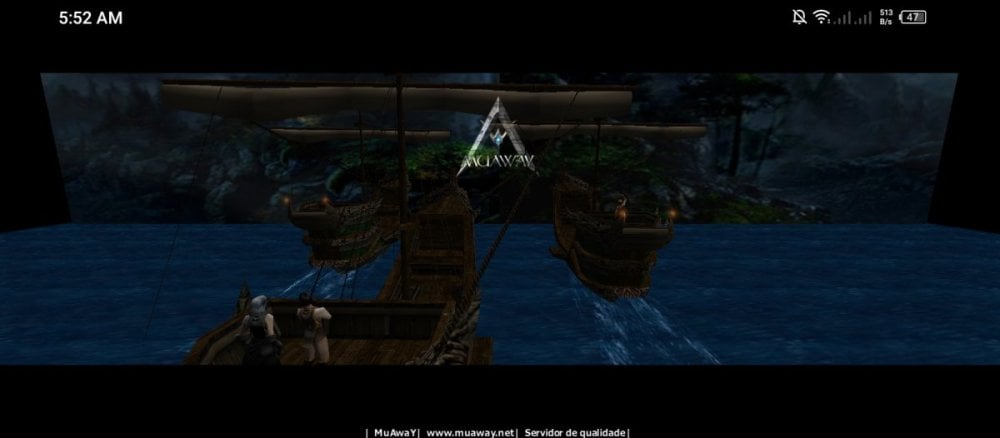
Wat problem in game start updated

All version files in. Down loud

Mobile.

Screenshot_20261112-055205.jpg

  • Respostas 2
  • Visualizações 37
  • Criado
  • Última resposta

Mais Ativos no Tópico

Dias Populares

Postagens Populares

  • Hello, We recommend updating via the website. For those experiencing issues on iOS, a new update will be released soon. Link: https://mobile.muaway.net/ Perform the procedure; if the problem persists,

  • Resolvido.   Caso precise reabrir o tópico, me envie uma MP solicitando.

Posted Images
Posts Recomendados

Postado

Hello,

We recommend updating via the website. For those experiencing issues on iOS, a new update will be released soon.

Link: https://mobile.muaway.net/

Perform the procedure; if the problem persists, open a ticket in the "Help Global" channel on our Discord.

Atenciosamente, Matrix
MuAwAY - Projetando e construindo a sua diversão!

ws76sn.webp

  • Matrix_CL changed the title to Problem connecting.
Visitante
Este tópico está impedido de receber novos posts.

Account

Navigation

Pesquisar

Pesquisar

Configure browser push notifications

Chrome (Android)
  1. Tap the lock icon next to the address bar.
  2. Tap Permissions → Notifications.
  3. Adjust your preference.
Chrome (Desktop)
  1. Click the padlock icon in the address bar.
  2. Select Site settings.
  3. Find Notifications and adjust your preference.