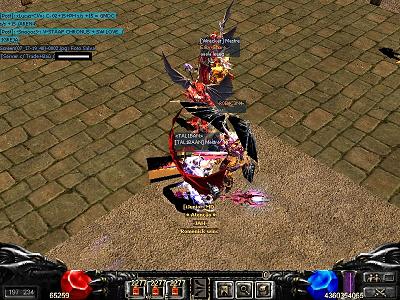
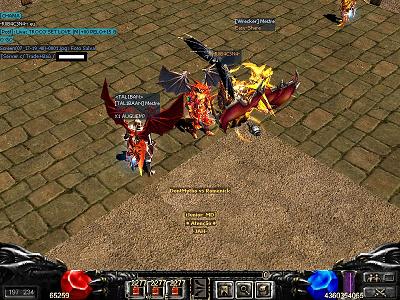
Postado Julho 17, 2013 13 anos Traduzir comment_3823850 Encontrei alguns player no PVP e resolvi ajudar a STAFF... Denunciar
Postado Julho 17, 2013 13 anos Traduzir comment_3823868 Nesses casos, eu recomendo á você tirar uma screen shot provando que fulano encontra-se dentro da área PvP e em seguida dirija-se á algum site de upload's de imagens e efetue á hospedagem da determinada screen shot, até por que nas screen shot's postadas por sua pessoa não está sendo possível averiguar os detalhes da mesma, até por que ás mesmas estão em forma de miniatura, enfim, hospede á screen shot e usufrua o uso das seguintes tag's para postar á mesma em nossa web fórum: [img]Cole o link da imagem aqui[/img] É importante ressaltar que se você deseja denunciar algum player que esteja localizado dentro da área PvP no evento mata-mata, é necessário que você não borre nenhuma parte da imagem, ou seja, poste á print original, sem nenhum tipo de edit. Tópico fechado! Atenciosamente, FireBoy_MD - Equipe MuAwaY! Projetando e construindo sua diversão! Denunciar