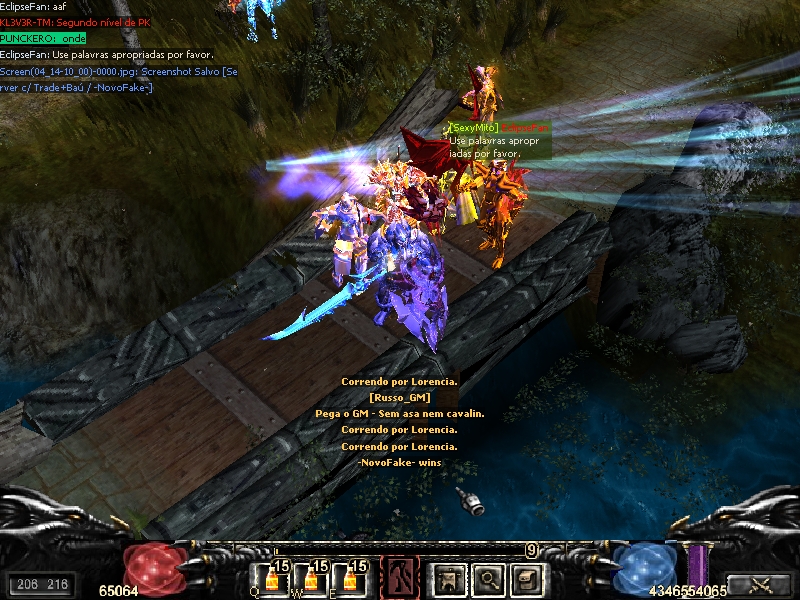
Postado Setembro 28, 2012 14 anos Traduzir comment_2937693 Clique aqui APARECE ISSO NAO DA PRA COLOCA IMAGEN Denunciar
Postado Setembro 28, 2012 14 anos Traduzir comment_2937708 Basta você utilizar a ferramenta "inserir link", a mesma possui o ícone (), no primeiro campo você preenche com o link que será redirecionado a imagem e no segundo campo o texto desejado. Lembrando que, para realizar tal procedimento não é possível com anexo de imagens, é necessário que você hospede a imagem e pegue o link da mesma, caso não saiba como, proceda com o tutorial: http://forum.muaway.net/index.php?/topic/122294-tutorialhospedando-imagem-no-imgur/ Atenciosamente, Nation_CL Equipe MuAwaY - Projetando e construindo a sua diversão! Atenciosamente, Nation_- MuAwaY — Projetando e construindo sua diversão! Denunciar
Postado Setembro 28, 2012 14 anos Traduzir comment_2937709 Dúvida respondidaCaso precise reabrir o tópico, me envie uma MP solicitando. Atenciosamente, Nation_- MuAwaY — Projetando e construindo sua diversão! Denunciar