NewsLinkBR
Jogador
-
Registro em
-
Última visita
Tudo que NewsLinkBR postou
-
Fiz tudo que vocês falaram e eu nao consegui resolver o problemas. Obrigado a todos que tentou me ajudar mas o muaway acabou pra mim...
-
AE GALERA PODEM DEIXAR NAO ESTA DANDO CERTO VOU LARGAR O MUAWAY... ADEUS.. =/
-
como dou permissão no firewall do windows?
-
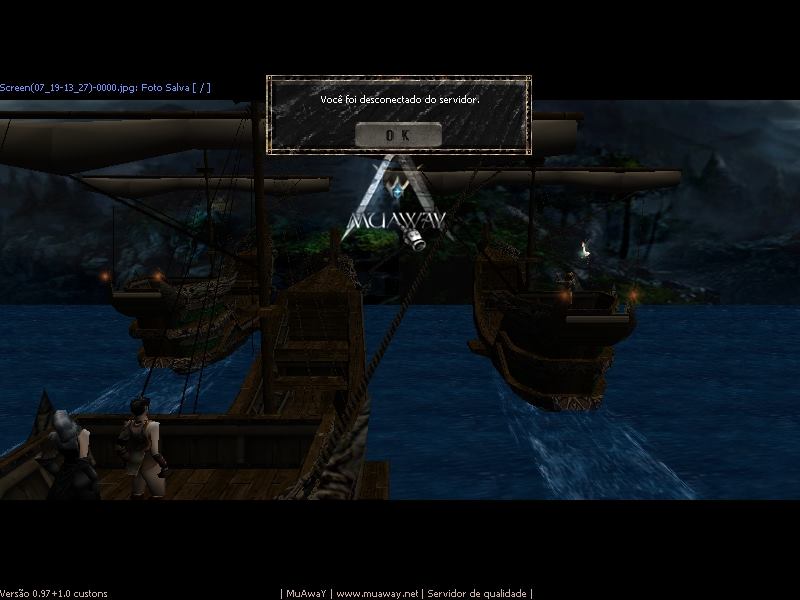
Meu mu fica dando DC toda hora que vai logar e isso esta acontecendo desde ontem. já tentei fazer de tudo que me falaram e não consegui nada.. por favor me ajudem a resolver isso.. eu já baixei o mu de novo desinstalei e instalei de novo e não resolveu nada. porfavor me ajudem a resolver isso quero jogar...
-
V> SET CHR SEMI+15=DX SUAS OFERTAS V> SW CHR F+15= KIT MC+3 APOS
-
Gostei muito parabens, continue assim que um dia ira fazer parte da equipe..
-
dou ilu02 ful+15
-
NewsLinkBR Verde
-
]ADM EU FIZ UM DEPOSITO HJ E JA CONFIRMEI ELE E QUERIA SABE SE VC PODERIA CREDITAROS GW'S HOJE OU AMANHÃ PQ TOU PRECISANDO MUITO.. NOME DO CHAR: kyube-chan GRATO DESDE JÁ
-
A premiação foi entregue no horário solicitado pela administração dentro do jogo, para saber qual é o horário dentro do jogo basta digitar o comando /tempo, portanto todos os jogadores que permaneceram online de 17h00min às 17h05min, receberam a quantia de 70 GoldsWay's.