




Ir para conteúdo
View in the app

A better way to browse. Learn more.

MuAwaY Forum

A full-screen app on your home screen with push notifications, badges and more.

To install this app on iOS and iPadOS
  1. Tap the Share icon in Safari
  2. Scroll the menu and tap Add to Home Screen.
  3. Tap Add in the top-right corner.
To install this app on Android
  1. Tap the 3-dot menu (⋮) in the top-right corner of the browser.
  2. Tap Add to Home screen or Install app.
  3. Confirm by tapping Install.

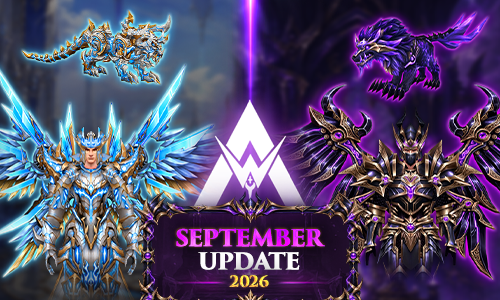
更新中心 - 2026 年 9 月

2026年9月更新 - MUAWAY

MuAwaY 新闻中心

欢迎来到 MuAwaY 的更新中心!

九月强势来袭,带来了专属道具、激动人心的活动、系统改进以及一场特别促销活动。浏览下方的快捷入口,查看所有详情,为这场全新冒险做好准备!

特别促销

九月特别促销

了解 MuAwaY 这次盛大的九月特别促销活动中所有的促销礼包和赠品,这是进一步强化你账号的绝佳机会!

查看福利

全新道具上线

全新活动上线

系统更新

属性加成系统:Assistant Pets

一颗全新宝石到来,将进一步提升你的 assistant pet 的实力。查看更新后的指南,了解 Scroll Stats: Evolved,并掌握其运作方式。

查看完整指南

0 Comentários

Comentários Recomendados

Não há comentários para mostrar.

Visitante
Esta postagem está impedida de receber novos comentários.

Account

Navigation

Pesquisar

Pesquisar

Configure browser push notifications

Chrome (Android)
  1. Tap the lock icon next to the address bar.
  2. Tap Permissions → Notifications.
  3. Adjust your preference.
Chrome (Desktop)
  1. Click the padlock icon in the address bar.
  2. Select Site settings.
  3. Find Notifications and adjust your preference.